Unmarkdown your text 100% free Markdown Remover
Unmarkdown
Remove Markdown · Remove AI Traces · Smart Structure Preservation
Q1. How do I use this Markdown Remover?
It’s simple and efficient.
Just paste your text into the Markdown Remover and click the button.
Unlike other tools that might ruin your layout,
we ensure your data tables and text structures stay perfectly intact for professional use.
Q2. How can I copy Markdown tables for Excel or Google Sheets?
Standard Copy is designed for quick, plain text conversion and excludes table formatting.
To paste tables directly into Excel or Google Sheets, please use Pro Copy.
It preserves the full logical structure of your tables for free—no login or credit card required! 😎👍
Q3. What exactly is Markdown text?
Markdown is a lightweight formatting language
commonly used by AI like ChatGPT, Gemini, and Claude.
While it’s great for web display, it often leaves messy symbols
like ‘#‘ or ‘**‘ when copied into emails or documents.
You can find more detailed information at the official Markdown Guide
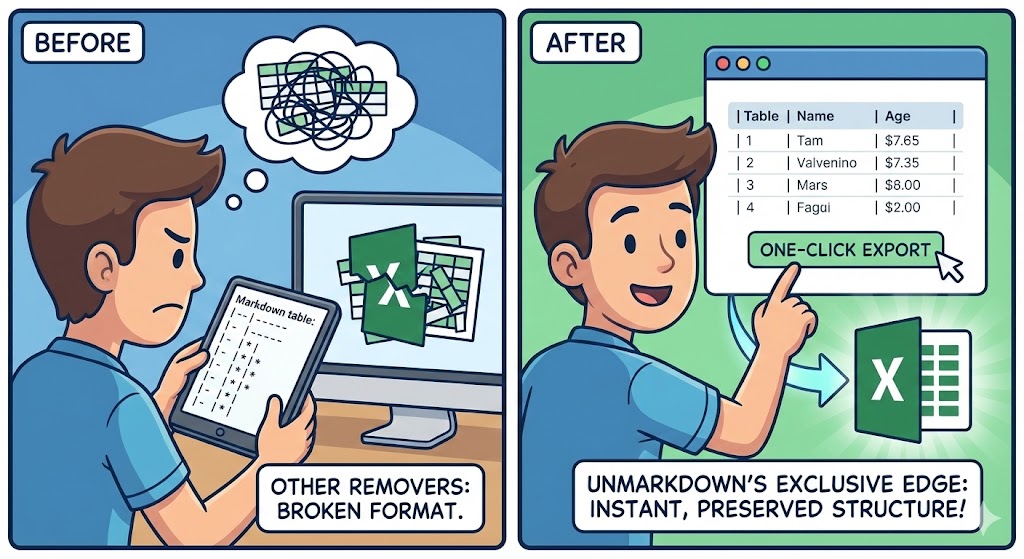
💎 Unmarkdown’s Exclusive Edge (1)
“Export Markdown tables to Excel instantly—without breaking the format.”
Most Markdown removers destroy table structures,
making it a nightmare to paste data into Excel or Google Sheets. Unmarkdown is different.
We preserve the logical structure of your data. Now, you can seamlessly transfer complex, AI-generated data tables into your spreadsheets with a single click.
Stop manually fixing broken cells. Drastically cut down your repetitive work time and focus on what matters.
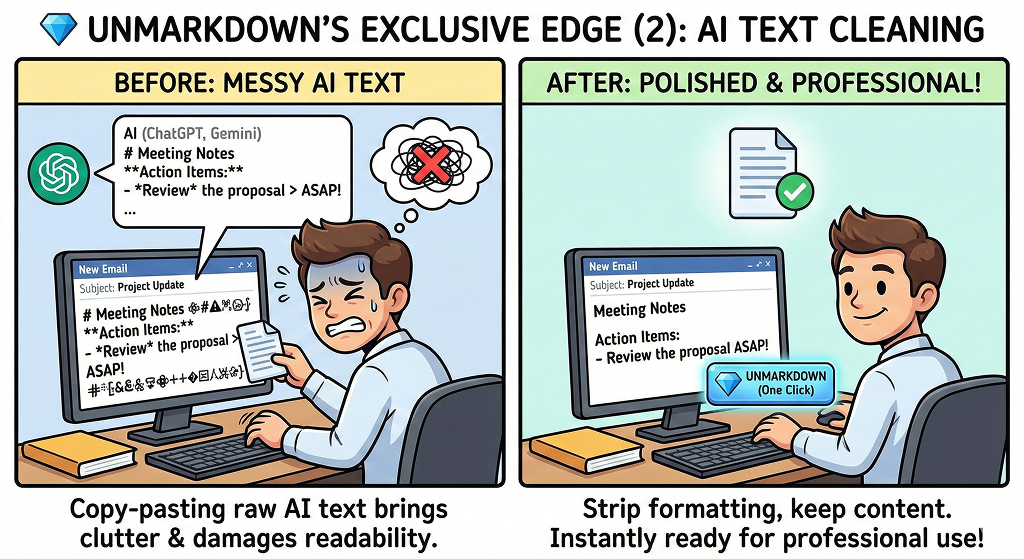
💎 Unmarkdown’s Exclusive Edge (2)
“Strip unnecessary formatting from Gemini & ChatGPT—keep only the content.”
With the daily use of Generative AI like ChatGPT, Gemini and Claude, copying Markdown-formatted outputs into emails or formal documents has become a routine task.
However, raw copy-pasting often brings along clutter like # headings or ** bold symbols, severely damaging readability. Unmarkdown automates this cleanup process. We deliver perfectly polished, plain text with just one click.
Get AI responses that are instantly ready for professional use. Just copy and paste.
Unmarkdown
Remove Markdown · Remove AI Traces · Smart Structure Preservation
Q1. How do I use this Markdown Remover?
It’s simple and efficient.
Just paste your text into the Markdown Remover and click the button.
Unlike other tools that might ruin your layout,
we ensure your data tables and text structures stay perfectly intact for professional use.
Q2. How can I copy Markdown tables for Excel or Google Sheets?
Standard Copy is designed for quick, plain text conversion and excludes table formatting.
To paste tables directly into Excel or Google Sheets, please use Pro Copy.
It preserves the full logical structure of your tables for free—no login or credit card required! 😎👍
Q3. What exactly is Markdown text?
Markdown is a lightweight formatting language
commonly used by AI like ChatGPT, Gemini, and Claude.
While it’s great for web display, it often leaves messy symbols
like ‘#‘ or ‘**‘ when copied into emails or documents.
You can find more detailed information at the official Markdown Guide
▲ 클릭시 한국어 버전으로 이동
(Click to go to the Korean version)